
Get your first screen live in minutes
Step-by-step guides for every popular signage device. Pick your hardware below and follow along.
You'll need an account first — your first 10 screens are completely FREE.
Create Free AccountPick your hardware
Installation methods vary depending on your device. Choose the guide that matches your setup.
 Setup
SetupAmazon Signage Stick
A step-by-step guide on how to set up Amazon Signage Stick for your digital signage screens.
Read guide Setup
SetupWindows Media Player
A super quick setup guide on how to install digital signage software using Windows.
Read guide Setup
SetupRaspberry Pi
A super quick setup guide on how to install digital signage software on a Raspberry Pi.
Read guide Setup
SetupAmazon Firestick
A super quick setup guide on how to install digital signage software on an Amazon Fire TV Stick.
Read guide Troubleshooting
Fix launch on boot — FireTV Stick
For devices on Fire OS 8 (e.g. 2nd Gen FireTV Stick 4K) — enable auto-launch on boot.
Read guide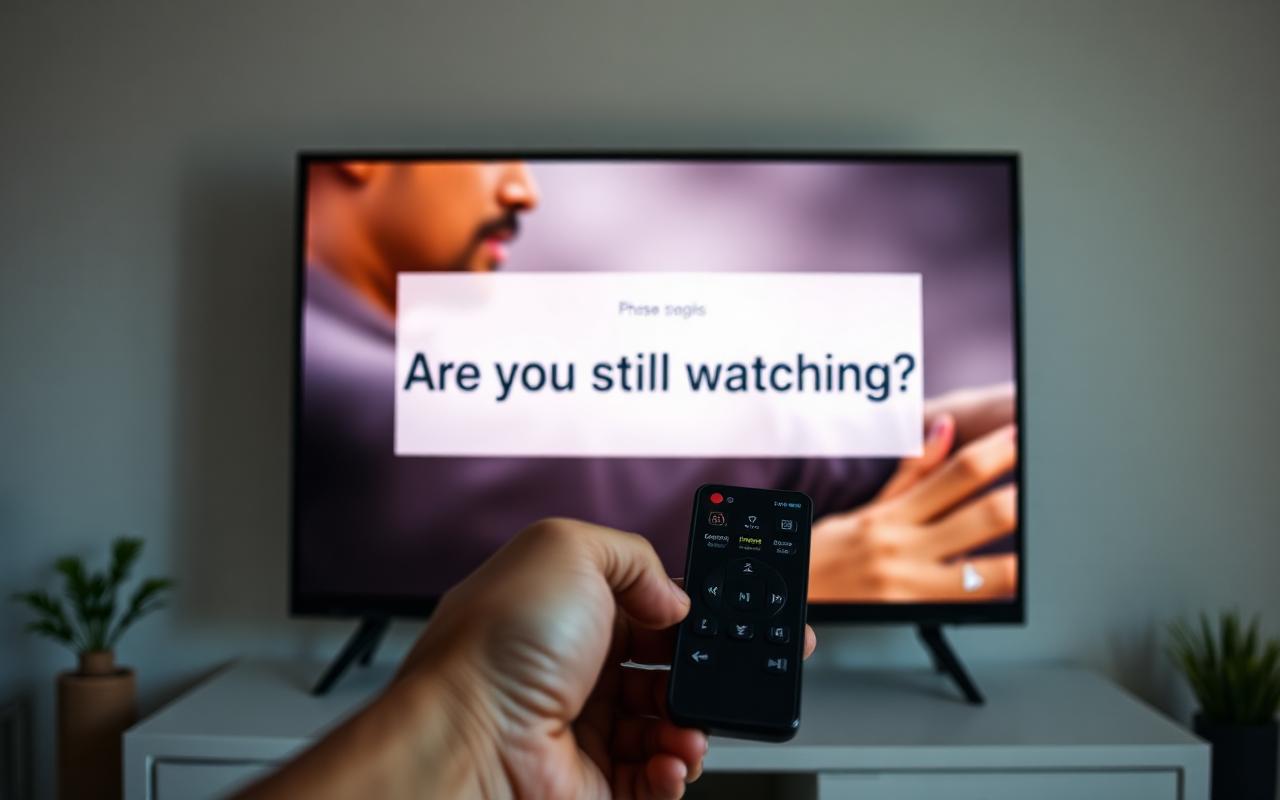 Troubleshooting
Disable 'Still Watching?' on Fire TV
Quick step-by-step guide to disable the 'Still Watching?' message on your FireTV.
Read guide Troubleshooting
Clear cache on Amazon Firestick
Learn how to clear the cache on your Amazon Firestick for smoother playback.
Read guide Troubleshooting
Clear cache on your signage player
The cache stores content locally on your player — here's how to clear it.
Read guide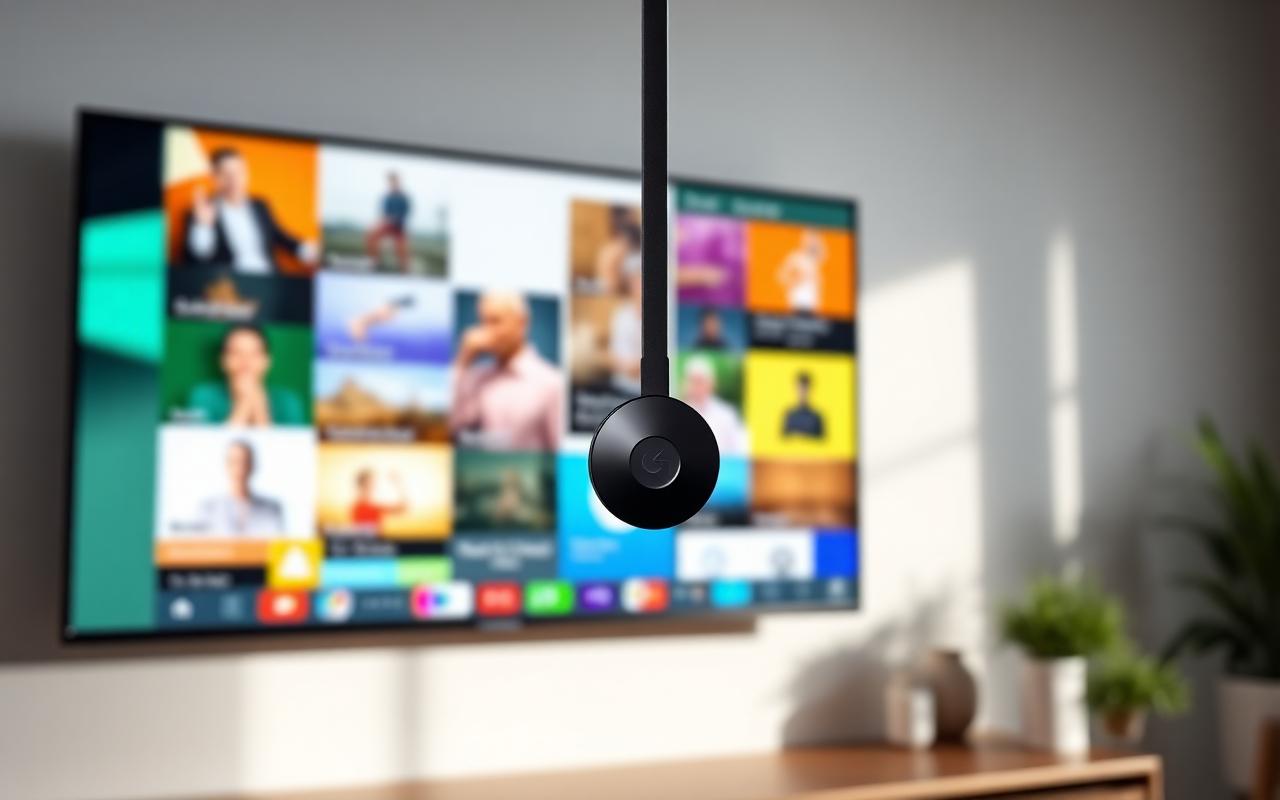 Setup
SetupGoogle Chromecast for digital signage
A quick step-by-step guide on how to use Google Chromecast for your screens.
Read guide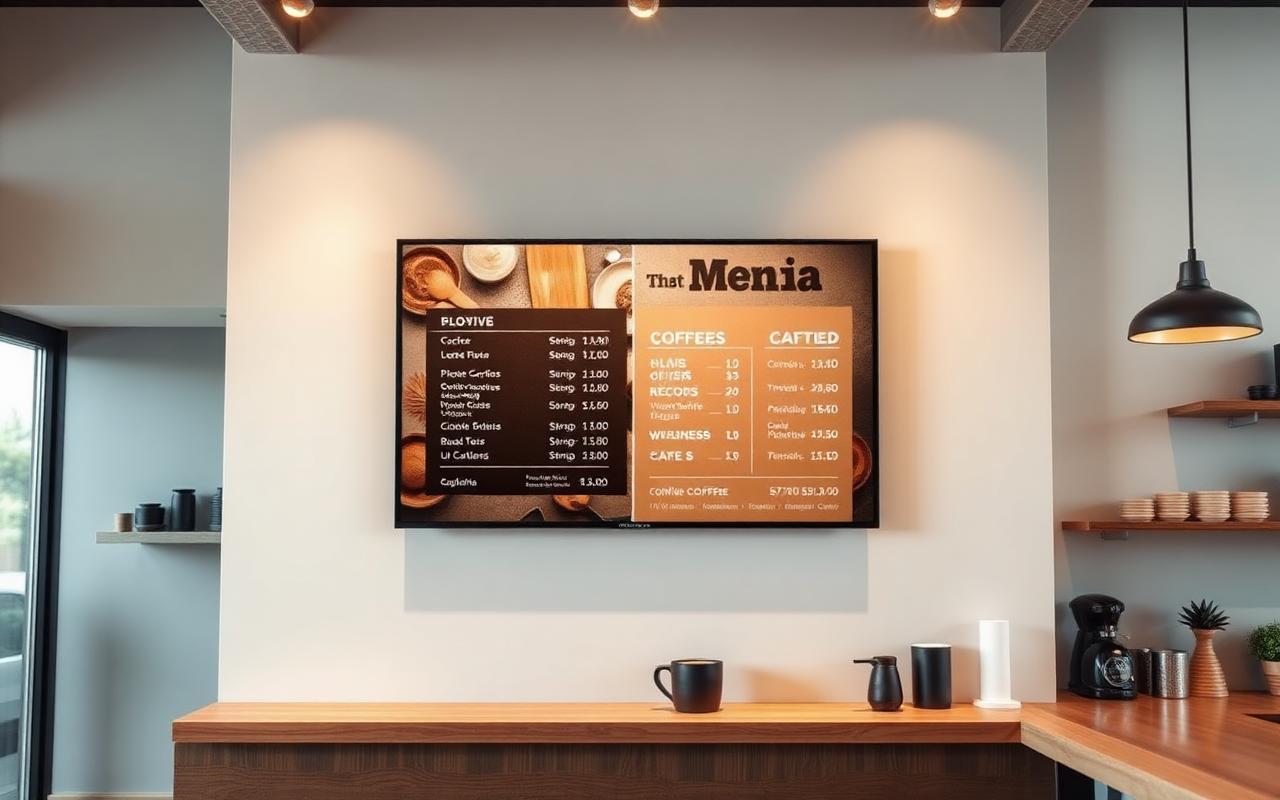 Tips
TipsTV menu slideshow with Google Slides
Create and update a TV menu slideshow using Google Slides.
Read guideNeed a hand?
Can't find your device or stuck on a step? We're available 24/7 on WhatsApp and email.